Home

Friday, May 7, 2010

iPhone3GS with new boot update to original 3.1.3 keep baseband 05.11.07 100% solution

iPhone3GS with new boot update to original 3.1.3 keep baseband 05.11.07 100% solution

Try to Restore 3.1.3 CFW error 1604
Try to restore Orig Ipsw error (29)
Try to Restore 3.1.2 device isnt eligible
Hang sa Apple Logo
Naka stuck sa recovery mode????

Frustrated ka na ba?hindi mo na kaya? Ito i try mo....

Ok Ito gagawin natin....

Je Jailbreak pa natin i a Unlock pa. Sabay untethered pa/ Upgrade firware pa pero not upgrading baseband...pagsasabay sabyin na natin. Walang custom firmware na gagamitin. Para matapos na.

Babala: Sundan mabuti at basahin mabuti ang procedure bago gawin sa inyong iphone. Original carrier simcard is highly recommended on this procedure..

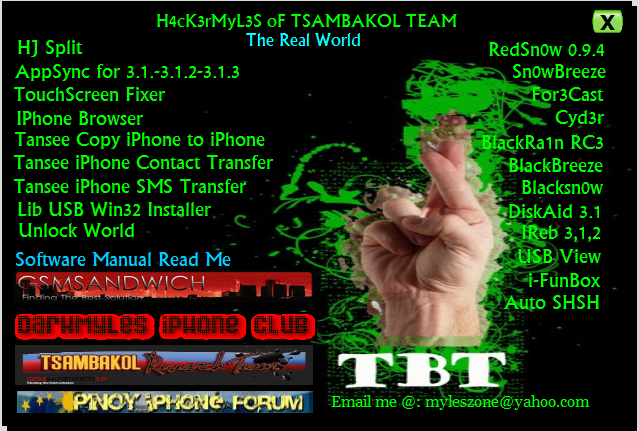
Ok Prepare the Things:

iTunes 9.1.1
Orig Ipsw 3.1.3 ng iphone 3gs
iReb 3.1.3
Spirit
Blackrain Rc2

GUI HERE


DOWNLOAD HERE

Ok heres the procedure:

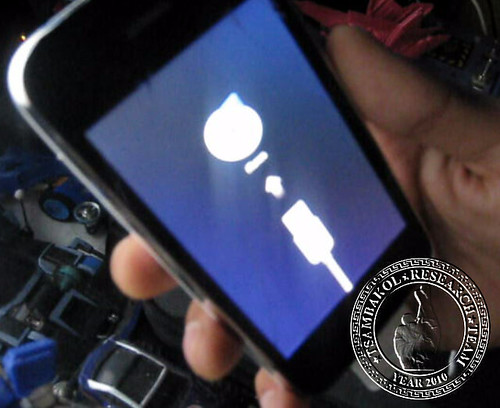
Since naka recovery iphone ganito itsura


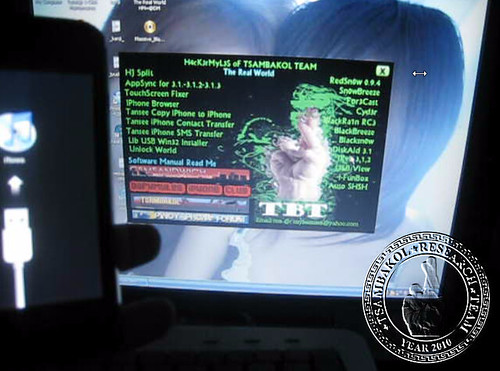
on itunes ganito sya


ok click ok then hold down shift restore
then piliin ang iphone 2.1_3.1.3 orig ipsw


Dito tayo mag kakaroon ng trick sa point na ito
Ako minsan ko lang ginawa ito at nakuha ko naman
Sa dialog ng iphone habang nag rerestore may mga ganitong naksulat sa box


Updating iPhone software
Verifying iPhone software
Updating iPhone firmware
Restoring iPhone Firmware <<<<<< dito huhugutin mo cable wag mo ibabalik tandaan mabuti


Ngayun sa pagkakahugot mo may error sa itunes [9]
Wag mo lang daw intindihin at hayaan mamatay ang iphone
pag nagsindi yun recovery mode lang yun

Prepare ang iReb ang ginamit ko pa Gui ko


kung wala kayong naka install na libusb install nyo sya bossing after mainstall
pwede na mag ireb

Choose fix recovery mode loop
then slect iphone 3gs


After nun mag rerestart ang iphone
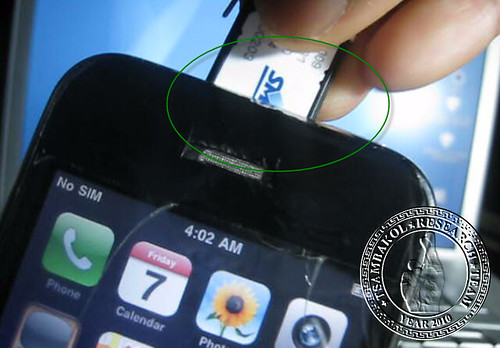
Naka emergency call. So kailangan na ang origincal carrier sim card


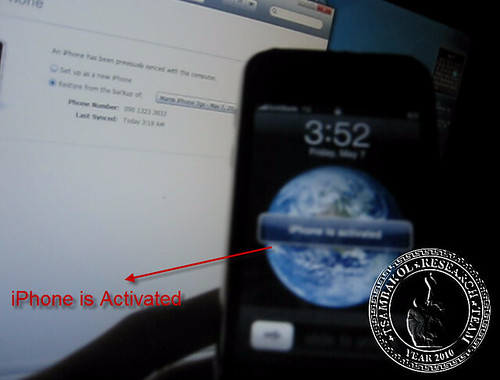
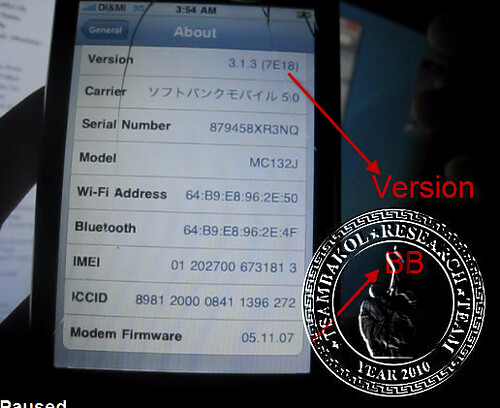
ok Tingnan mabuti ang version at baseband??? galing diba? na upgrade ang firmware pero hindi na upgrade ang baseband. hindi rin Custom firmware


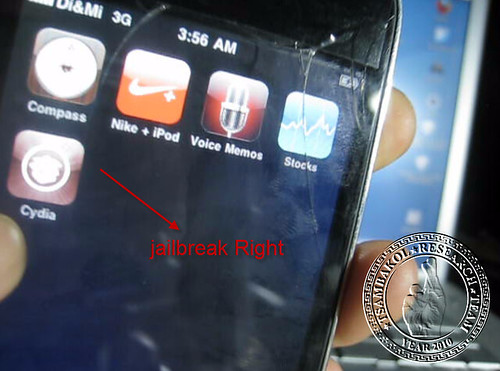
Ok jailbreakin na natin yan Hindi na pinagtatagal yan


Jailbreak na?


Ok unlock naman natin....

Add this source on cydia
Click manage
Source
Edit then add this source: http://cydia.pushfix.info


Then after that go to pushfix source again install blackrain rc2


May signal sa orig sim try natin ibang sim card


Softbank Prepaid Sim Test


Smart Prepaid Sim naman


Yun lang mga boss sana nagustuhan nyo at nakapulutan nyo ng aral.
Hindi kami naglalabas ng solusyon para ipagyabang. naglalabas kami ng solusyon para lahat tayo makinabang...

This tutorial credits to Andy jpn of Gsm Hosting and done by H4ck3rMyL3s of Tsambakol Team with screenshot....

Monday, May 3, 2010

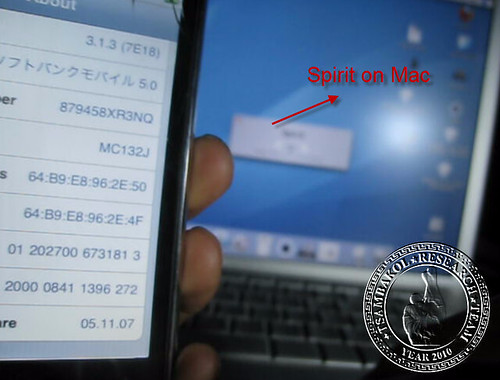
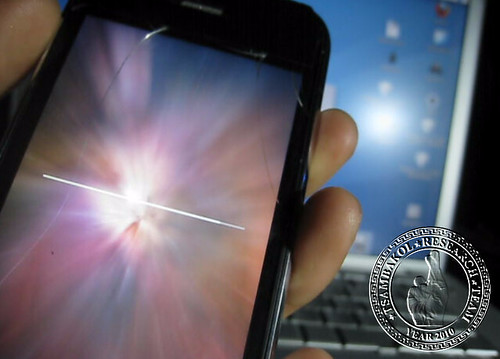
Spirit jailbreak Done by MAC

SCREENSHOT TEST ON MAC OS X 4.11 TIGER

iTunes 9.0.2

Appsync 3.1.2 injected


Model: MC133J


Thursday, April 29, 2010

HowTo: Manually BackUp Your iPhone

How to save Contacts Database:

  • SSH into the iPhone and go to /private/var/mobile/Library/AddressBook
  • you will find 2 files there. save them on your computer.
How to save Messages Database:
  • SSH to your phone and go to /private/var/mobile/Library/SMS
  • Save sms.db on your computer
How to backup Calendar:
  • SSH into your device and go to /private/var/mobile/Library/Calendar
  • Copy Calendar.sqlitedb to your computer
How to backup Notes:
  • SSH into your dedvice and go to /private/var/mobile/Library/Notes
  • Copy notes.db and notes.idx to your computer
How To back up Photos:
This doesent necesarelly require any SSH. You can just connect your iPhone to the computer and copy your photos:

Mac
  • connect iPhone
  • open iPhoto and copy your photos
  • or use iPhoneExplorer. Read about it here
Windows
  • connect iPhone
  • open MyComputer
  • you will see the iPhone as a new device ( a photo camera ) . Open it and save your photos
IF you prefer SSH , this is what you need to do:
  • SSH into your iPhone
  • go to /var/mobile/Media/DCIM/
NOTE:
For videos shot with iPhone 3Gs, you need the same path ( correct me if i am wrong )
How to backup Mail:
Email itself doesnt need any backup. Your iPhone or your computer is not the server for your email accounts, so you dont need to worry about loosing your emails accounts. However, you might want to save your email account as you set them up on your iPhone, so you wont need to go to all that process once again.
  • SSH into your device
  • go to /private/var/mobile/library/ and just copy the folder called “Mail” to your computer
How to backup Visual Voicemail:
  • SSH into your device
  • go to var/mobile/Library/Voicemail/voicemail.db
  • Individual voicemails are stored as 1.amr, 2.amr, etc. in the same folder. If you’ve recorded a custom greeting, it’s stored as Greeting.amr.
How to backup videos from 3rd party apps:
Cycorder
  • SSH into your device
  • go to /private/var/mobile/media/videos
iPhone Video Recorder for 3G:
  • SSH into your device
  • go to /private/var/mobile/media/iphonevideorecorder/
How to backup files downloaded with Safari DL Plug-In
  • SSH into your device
  • go to /var/mobile/Library/Downloads
How to backup your Call History:
  • SSH into your iPhone
  • go to /var/mobile/Library/CallHistory/
  • copy call_history.db to your computer
Credits to Lil mac